
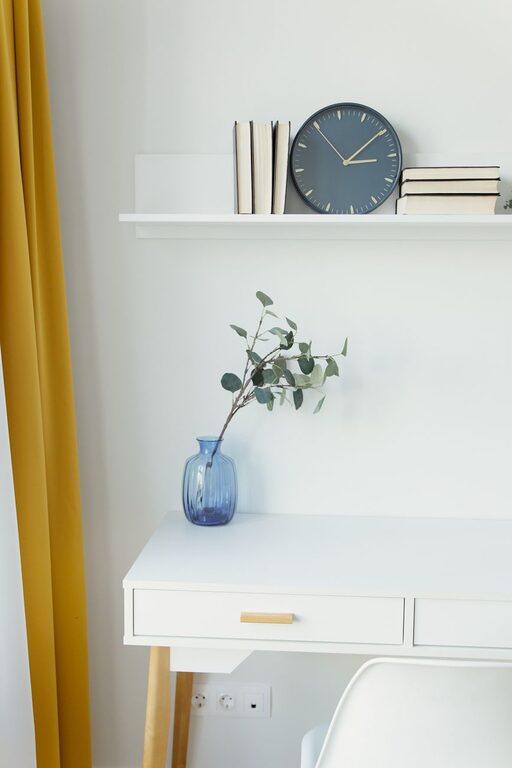
Creating a clutter-free home office can make a significant difference in your productivity and overall well-being. When your workspace is clean, organized, and functional, it’s easier to focus and complete tasks without distractions. Whether you work from home full-time or occasionally, these simple tips will help you maintain a neat and efficient office space.
Why Organizing Your Home Office Matters
A cluttered space can lead to stress and decreased efficiency. By keeping your home office organized, you reduce distractions, save time searching for items, and create a pleasant environment that encourages creativity and focus.
Step 1: Declutter Your Desk and Surroundings
Before organizing, start by clearing your desk and nearby areas of unnecessary items.
– Sort through paperwork: Recycle or shred documents you no longer need.
– Remove non-essential items: Keep only tools and materials you use daily on your desk.
– Clean your workspace: Wipe surfaces and dust electronics to refresh your area.
This initial step creates a clean slate and helps you identify what storage solutions you need.
Step 2: Choose Smart Storage Solutions
Good storage is key to maintaining order. Consider the following:
Use Vertical Space
– Install wall shelves to keep books, binders, and decorative items off your desk.
– Use pegboards with hooks to hang supplies like scissors, cables, and headphones.
Incorporate Drawers and Organizers
– Desk drawers can hold stationery, chargers, and small gadgets.
– Drawer dividers or small containers keep items separated and easy to find.
Label Everything
Labels help you quickly identify where things belong, especially in shared home office setups.
Step 3: Manage Paperwork Efficiently
Papers are common sources of clutter. Try these strategies:
– Go digital where possible: Scan and store documents electronically.
– Use filing systems: Sort important papers into clearly labeled folders or files.
– Create an inbox/outbox system: Use trays or baskets for items that need attention or filing.
Step 4: Organize Your Technology
Tech gadgets and cables can quickly create a mess.
– Use cable clips or sleeves to keep wires untangled.
– Designate a charging station for phones, tablets, and other devices.
– Keep frequently used accessories like USB drives in small, labeled containers.
Step 5: Maintain a Daily Routine
Organization isn’t a one-time task but a habit.
– Spend 5-10 minutes at the end of each day tidying your desk.
– File, recycle, or put away any loose papers or items.
– Review your storage systems monthly to ensure they still meet your needs.
Step 6: Personalize Your Space Thoughtfully
Adding personal touches can make your office inviting, but too many items can cause clutter.
– Keep decorations minimal and meaningful.
– Use functional decor items, such as a stylish pen holder or a desk calendar.
Bonus Tips for Small Home Offices
– Use multifunctional furniture like desks with built-in storage.
– Keep only essential devices and supplies to maximize space.
– Add mirrors or bright lighting to make the area feel larger.
—
By applying these simple steps, you can transform your home office into a clutter-free, productive environment. A well-organized workspace not only supports your work but also contributes to a more balanced and enjoyable home life. Start small, stay consistent, and enjoy the benefits of a neat, inspiring office space.