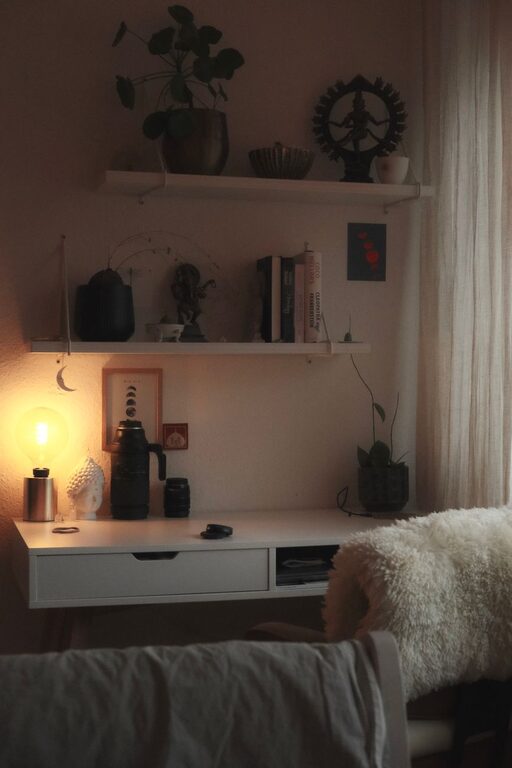
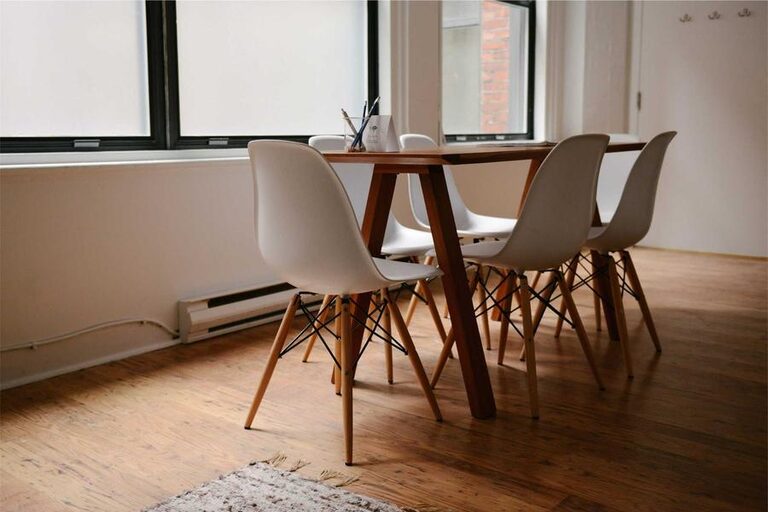
Creating a home workspace that feels both cozy and productive can make a big difference in your daily routine. Whether you work remotely full-time or just need a spot to handle side projects and bills, a well-designed workspace helps improve focus and comfort. Here are some helpful tips to design a home workspace that suits your needs and inspires you to do your best.
Choose the Right Location
The first step in creating a cozy and productive workspace is picking the right location. Consider these factors:
– Natural Light: Position your desk near a window if possible. Natural light boosts mood and reduces eye strain.
– Low Distractions: Find a quiet corner or room where you won’t be interrupted easily.
– Space: Make sure the area has enough room for your computer, supplies, and any other tools you use.
If you don’t have a dedicated room, consider using partitions or room dividers to create a sense of separation between work and home life.
Invest in a Comfortable Chair and Desk
Comfort is key for long working hours. Choose ergonomic furniture to support good posture and reduce discomfort:
– Chair: Select a chair with adjustable height, lumbar support, and comfortable cushioning.
– Desk: Your desk should be large enough to hold your work essentials without clutter. If space is tight, try a compact or foldable desk.
– Height: Make sure your desk and chair heights align so your elbows are at about 90 degrees when typing.
Comfort reduces physical strain and helps you focus longer without fatigue.
Optimize Lighting
Besides natural light, proper artificial lighting is essential:
– Task Lighting: Use a desk lamp with adjustable brightness to illuminate your workspace without glare.
– Ambient Lighting: Overhead lights or floor lamps help reduce contrast and eye strain.
– Warm vs. Cool Light: Warm white light creates a cozy atmosphere, while cooler light fosters alertness. Choose based on your preference and work hours.
Good lighting protects your eyes and contributes to an inviting workspace.
Organize Your Space Efficiently
Keep your workspace tidy and organized to minimize distractions:
– Declutter: Store away items you don’t use daily.
– Storage Solutions: Use shelves, drawers, and containers to organize supplies.
– Cable Management: Use clips or sleeves to keep cords neat and safely out of the way.
– Work Zones: If space allows, create different zones for computer work, writing, or meetings.
An organized space helps clear your mind and makes working easier.
Personalize Your Workspace
Adding personal touches makes your workspace feel inviting and motivating:
– Plants: Small indoor plants improve air quality and add a natural touch.
– Artwork: Hang pictures or posters that inspire you.
– Colors: Incorporate colors that boost your creativity or calm you, such as blues, greens, or pastels.
– Comfort Items: Consider cozy blankets, cushions, or a small essential oil diffuser for relaxation.
Personalization can improve your mood and connection to your work area.
Maintain Good Air Quality and Temperature
A comfortable environment is essential for productivity:
– Ventilation: Open windows regularly or use air purifiers to keep fresh air flowing.
– Temperature: Aim to work in a room temperature between 68°F and 72°F (20°C to 22°C).
– Humidity: Use a humidifier or dehumidifier if your space feels too dry or moist.
Comfortable air quality keeps you alert and prevents discomfort.
Establish a Routine
Even in a cozy space, structure helps maintain productivity:
– Set Work Hours: Define start, break, and end times to separate work from personal life.
– Breaks: Take short breaks regularly to stretch and refresh.
– Daily Goals: Write a to-do list or schedule tasks to stay focused.
– Limit Distractions: Turn off unnecessary notifications and set boundaries with family or roommates.
A routine builds habits that enhance productivity.
Use Technology Wisely
Leverage tools and devices to improve efficiency:
– Monitor Setup: Use a large screen or multiple monitors for better visibility.
– Keyboard and Mouse: Invest in ergonomic versions to reduce strain.
– Noise-Canceling Headphones: Block distractions and improve focus.
– Apps: Use productivity apps for task management, time tracking, or communication.
Technology can smooth your workflow when chosen carefully.
Keep It Clean and Updated
Regular maintenance keeps your workspace functional and pleasant:
– Clean Surfaces: Dust and wipe down your desk and equipment weekly.
– Update Supplies: Replace worn-out or outdated tools.
– Review Layout: Occasionally rearrange your space for freshness or better flow.
A clean workspace supports your health and mindset.
—
Creating a cozy and productive home workspace is about balancing comfort and efficiency. By choosing the right location, investing in ergonomic furniture, optimizing lighting and organization, personalizing your space, and establishing healthy routines, you can foster an environment where you enjoy working and accomplish your goals. Try these tips and adjust them to suit your lifestyle and preferences for the best results.